


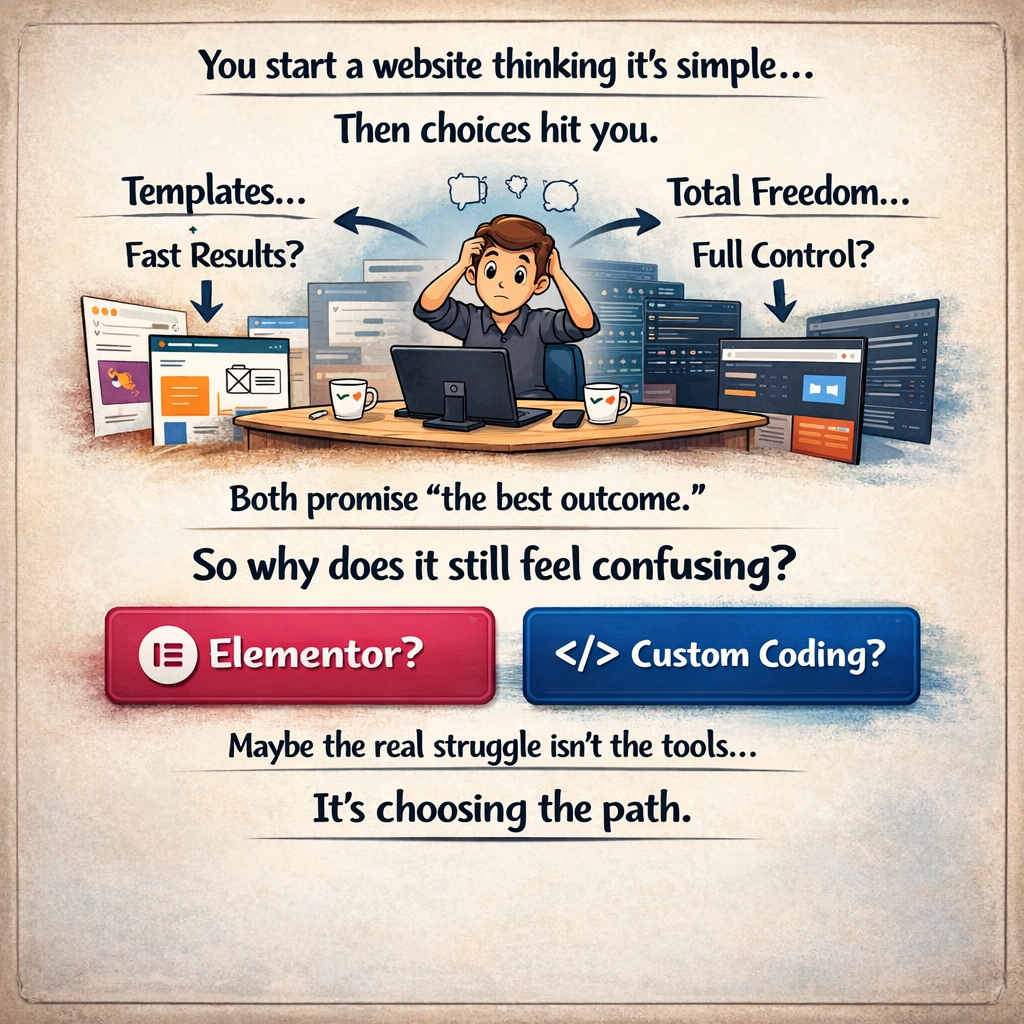
Elementor vs Custom Coding in 2026: Which One Should You Choose?
In 2026, building a website is not just about design. It’s about performance, SEO, AI compatibility, and long-term growth.
Today, developers and businesses face a big decision:
👉 Should you use Elementor (page builder) or go with Custom Coding?
This blog will help you understand both options in simple terms.
1. How Web Development Has Changed in 2026
Websites are no longer just for humans.
They are also read and used by AI tools, search engines, and automation systems.
That means your website must be:
- Fast ⚡
- Easy for machines to understand 🤖
- Scalable for future growth 📈
2. Elementor: Easy and Fast
Elementor is a drag-and-drop page builder.
✅ Advantages:
- No coding required
- Fast website creation (1–2 weeks)
- Perfect for beginners
- Great for portfolios and small business sites
❌ Disadvantages:
- Adds extra code (called “DOM bloat”)
- Slower loading speed
- Depends on plugins
- Can create long-term maintenance issues
👉 Simple meaning:
Elementor is quick to start, but can become heavy later
3. Custom Coding: Powerful and Flexible
Custom coding means building a website using:
- HTML, CSS, JavaScript
- Frameworks like React, Next.js
✅ Advantages:
- Very fast performance
- Clean and optimized code
- Better SEO
- Fully customizable
- Scales easily for big projects
❌ Disadvantages:
- Higher cost
- Takes more time
- Requires technical skills
👉 Simple meaning:
Custom coding is slow to start, but powerful for long-term growth
4. Performance (Most Important in 2026)
Google now focuses heavily on Core Web Vitals:
- Loading speed (LCP)
- Interaction speed (INP)
- Layout stability (CLS)
👉 Elementor websites:
- Load slower (2.5–4 seconds)
- Heavy JavaScript
👉 Custom websites:
- Load faster (under 1.5 seconds)
- Optimized code
📌 Faster website = better SEO + more conversions
5. SEO and AI (SEO 2.0)
In 2026, SEO is not just keywords.
Now it includes:
- Semantic HTML
- Structured data
- AI readability
👉 Custom coding:
- Clean structure
- Easy for AI to understand
- Better ranking
👉 Elementor:
- Complex structure
- Harder for AI to read
📌 If AI can’t understand your site → your visibility decreases
6. Cost Comparison (Short vs Long Term)
Elementor:
- Low starting cost
- Monthly plugins & hosting
- Can become expensive over time
Custom Coding:
- High initial cost
- Lower long-term cost
- Better return on investment
📌 Example:
Even 1 second delay can reduce conversions by 7%
7. Scalability & Future Growth
Elementor:
- Good for small websites
- Limited for complex features
- Depends on plugins
Custom Coding:
- Best for large projects
- Easy API integration
- Supports advanced systems
8. Security
Elementor:
- Depends on plugins and hosting
- Higher risk if not maintained
Custom Coding
- More control
- Stronger security options
- Requires developer management
9. When Should You Use Elementor?
Choose Elementor if:
- You want a quick website
- Budget is low
- You’re building a portfolio or small business site
- You don’t need complex features
10. When Should You Use Custom Coding?
Choose custom coding if:
- Website is your main business
- You need high performance
- You want long-term scalability
- You need advanced features
Custom development natively bypasses this bottleneck. Modern custom stacks utilize highly optimized Vanilla JavaScript or modern declarative frameworks (such as Vue.js or React within headless setups) that do not block the main rendering thread.
Native block themes (Full Site Editing or FSE) generate extremely lean HTML payloads with sub-100 millisecond INP ratings. When utilizing native WordPress blocks, the CSS and JavaScript load only if the specific block is present on the rendered page, eliminating the global loading of unnecessary assets.
Architectural Approach | Average LCP (Mobile) | Average INP (Responsiveness) | DOM Structure | Javascript Dependency | Typical Lighthouse Score |
< 1.2 seconds | < 50 milliseconds | Highly Optimized | Modern Frameworks (Vite/React) | 95 – 100 | |
< 1.5 seconds | < 100 milliseconds | Lean | Vanilla JS / Minimal | 90 – 100 | |
< 1.8 seconds | < 150 milliseconds | Moderate | Vue.js (Modern) | 85 – 95 | |
Elementor 2026 | 2.5 – 4.0 seconds | 200+ milliseconds | Heavy (Bloat) | jQuery / Proprietary JS | 60 – 80 |
2.5 – 3.5 seconds | 150+ milliseconds | Heavy | Proprietary JS | 70 – 85 |